Skip to content

Where did I put that?

Search your stuff. minventar.io tells you the box, the room, and the house.

Try the sample house:

QR code for box 1

1

Cardboard box

More stuff than memory.

A game console in a cardboard box labeled 1 in the storage room is easy to say, and impossible to remember six months later. Follow it home.

Start with a place.

A site is a home, a beach apartment, a workshop — the boundary you share with other people.

Then a room.

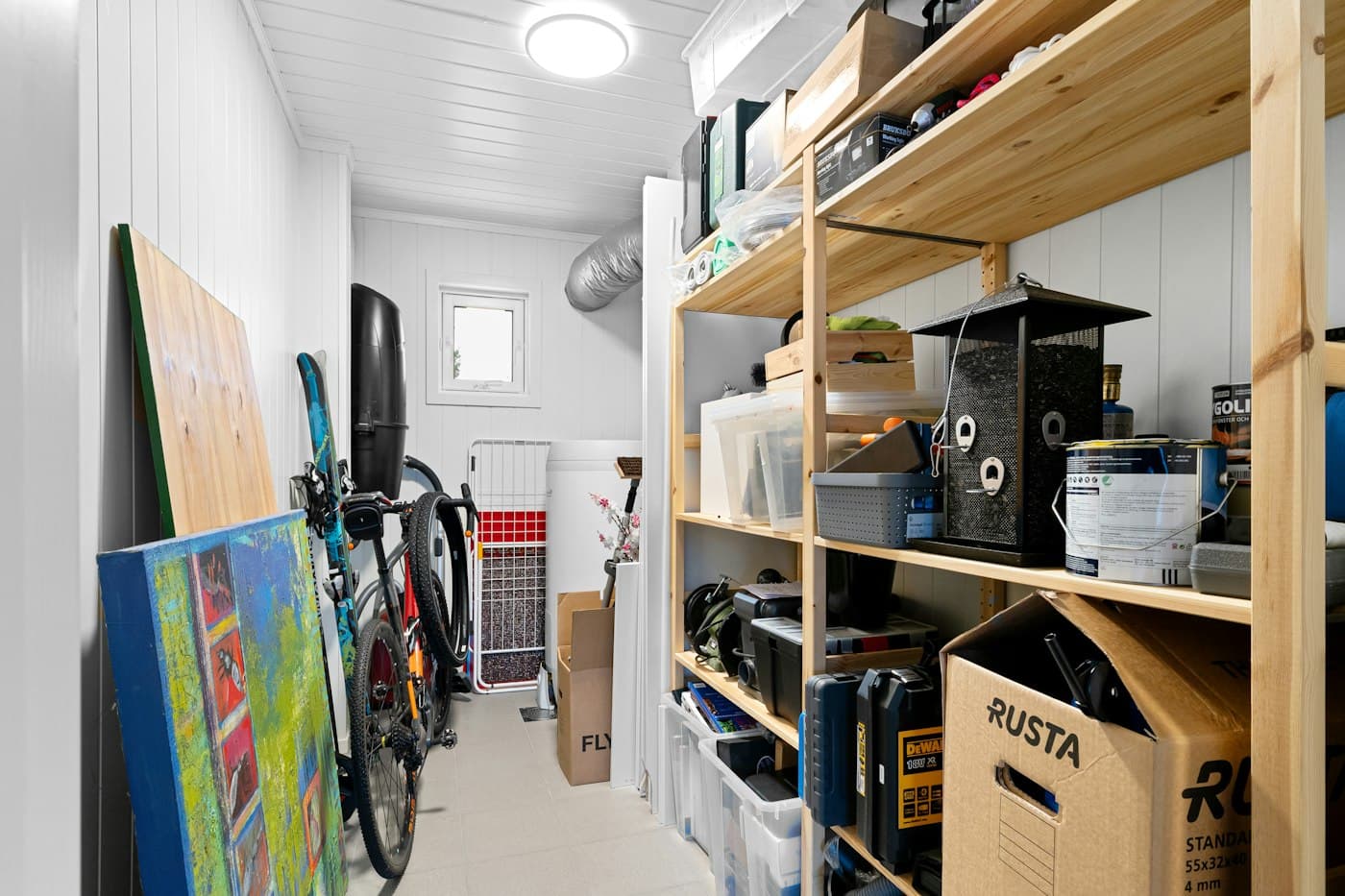
Storage room, bedroom, garage. Locations live inside a site, so every box has a neighborhood.

Then a labeled box.

Cardboard box. Label 1. Unique in that room, so you can find it on the shelf.

Then the thing itself.

Game console. Owned by you, visible to the site. That’s where it lives.

My apartment 

A tidy apartment with a kitchen and a tableMy apartment
Step 1 of 4

For homes with too many boxes.

  • S1

    Search-first

    One search across every site you belong to. Results come with the path attached.

  • S2

    Sites to items

    Drill down site → location → container, or skip straight to the thing you need.

  • Q1

    Printable QR labels

    Generate labels, stick them on boxes, and scan from the camera you already have.

  • P1

    Snap now, name later

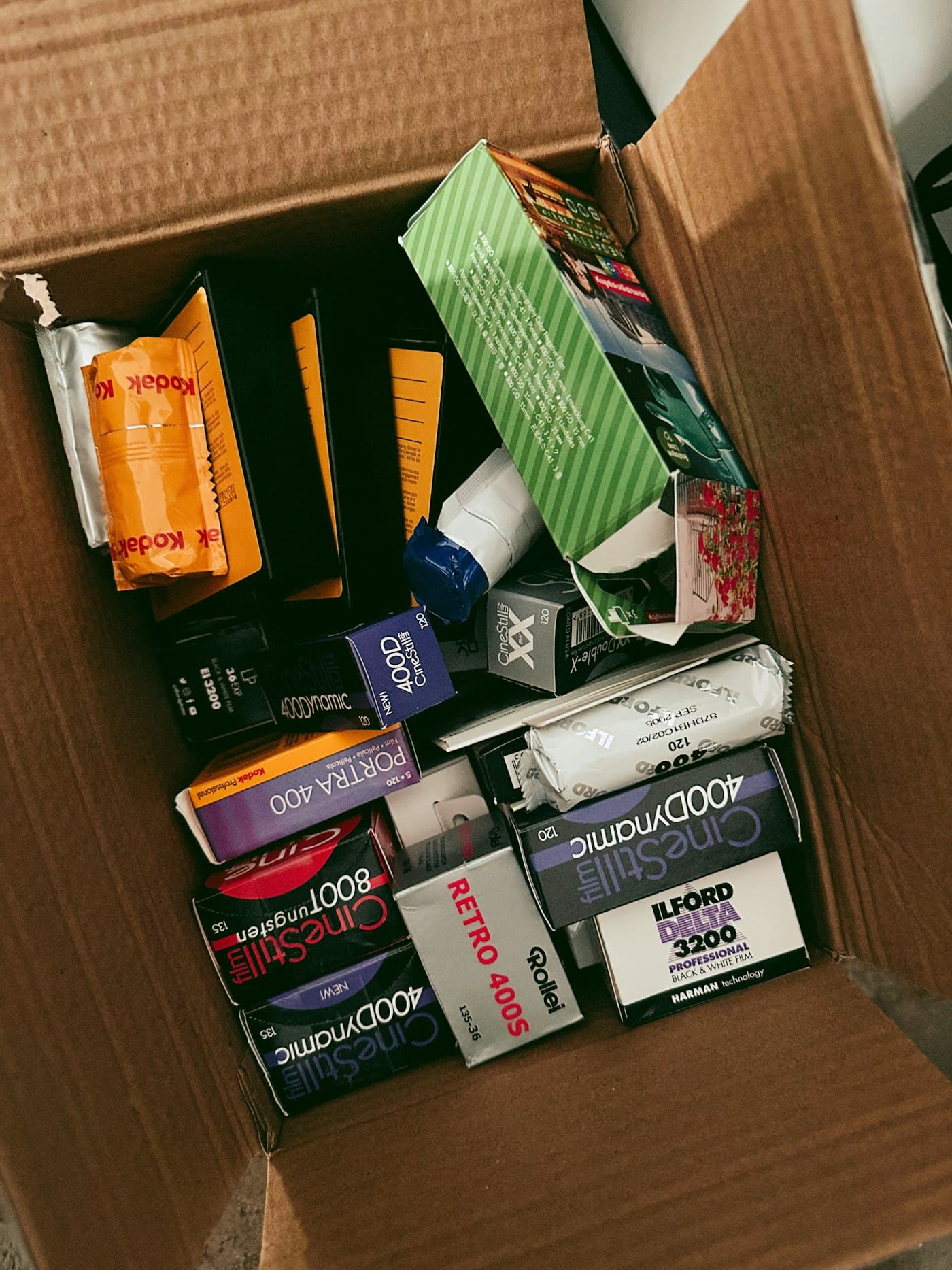
    Photograph a pile of stuff in a box. Add names when you have a minute.

  • H1

    Share a site

    Invite by email. Owners, admins, editors, and viewers — roles per site, not a separate group.

  • H2

    On your home screen

    Installable and mobile-friendly. Look something up while you’re standing in the storage room.

Print it. Stick it. Scan it.

Generate labels for a whole room in one sheet.

  • QR code for box 1

    1

    Cardboard box

  • QR code for box 2

    2

    Blue box

  • QR code for box A

    A

    Crate

  • QR code for box T1

    T1

    Toolbox

  • QR code for box T2

    T2

    Car kit

  • QR code for box W1

    W1

    Wardrobe bag

Know where your stuff is.

Create a site in a minute. Invite the household when you’re ready.